Instant Accounts
Instant Accounts can be used to give regulated access to the license to allow work with Actionbound without having to create accounts - perfect for school use.
Content
- With Instant Accounts you can activate accesses for users without them having to register with Actionbound themselves.
- This has the advantage that no personal data has to be used.
- Instant Accounts are directly linked to the main account: All Bounds of the Instant Accounts appear on the dashboard in a separate folder.
- Instant Accounts can also access the media library of the license account.
- Due to different permissions that can be set individually for each Instant Account, you are always in control of what happens on your account.
- Instant accounts are accessed via the drop-down menu.
Instant accounts are created in groups. You can name these individually depending on the use case. This is mainly for the overview.
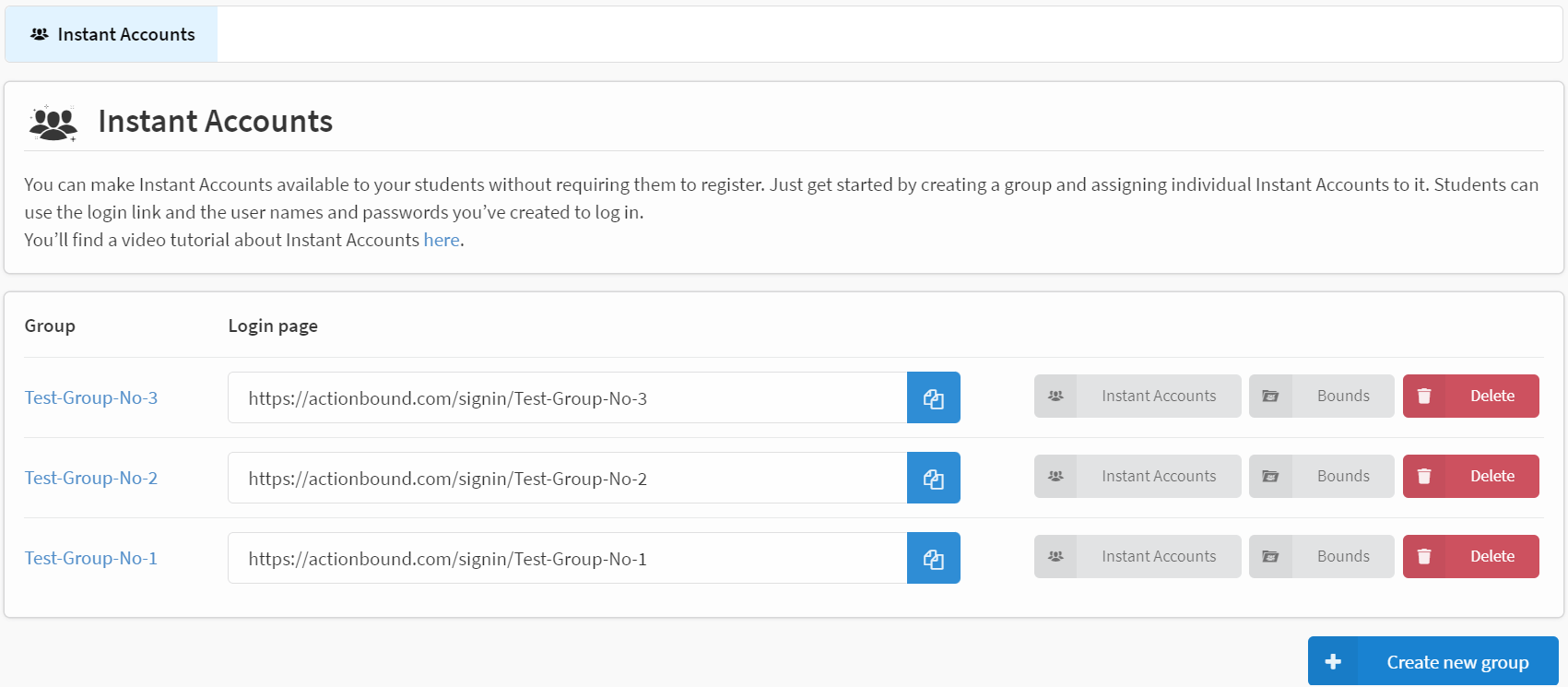
Via Instant Accounts you get to the Instant Accounts of the respective group. Under Bounds you will open the Bound folder of the corresponding Instant Accounts group. To remove an Instant Accounts group, click Delete and then enter the title of the Instant Accounts group. It will delete the group and all Instant Accounts in it. The Bounds will remain in your account unless you select the option to delete the Bounds as well. The assignment of the bounds to the Instant Accounts will be lost.
Your users can log in via the log-in link with the account names and passwords you have defined.
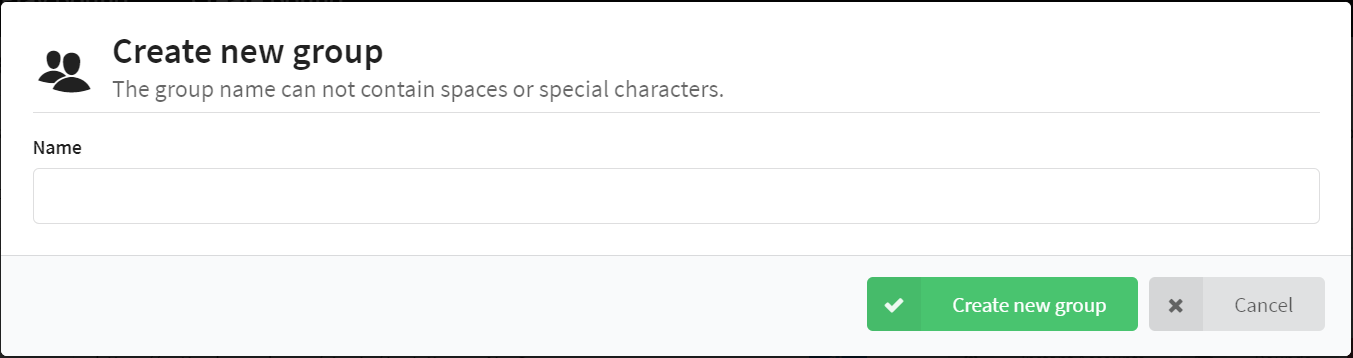
To create a new Instant Accounts group, click the Create new group button and enter a name. The name of the group must not contain spaces or special characters. Since the name of the group is also used to create the log-in page, each group name can only be assigned once.

Once the group is created, you can create the Instant Accounts of this group. This can be done both manually and automatically in larger numbers.

To create an Instant Account, you enter a name and password for each Instant Account. In the next step, you have the option to give each Instant Account individual permissions. These can also be changed later.

To have Instant Accounts created automatically, click Generate Instant Account. Specify how many Instant Accounts should be created, set the permissions and click Generate. Name and password will be assigned automatically in this case. Later you can individualize the permissions for single Instant Accounts.
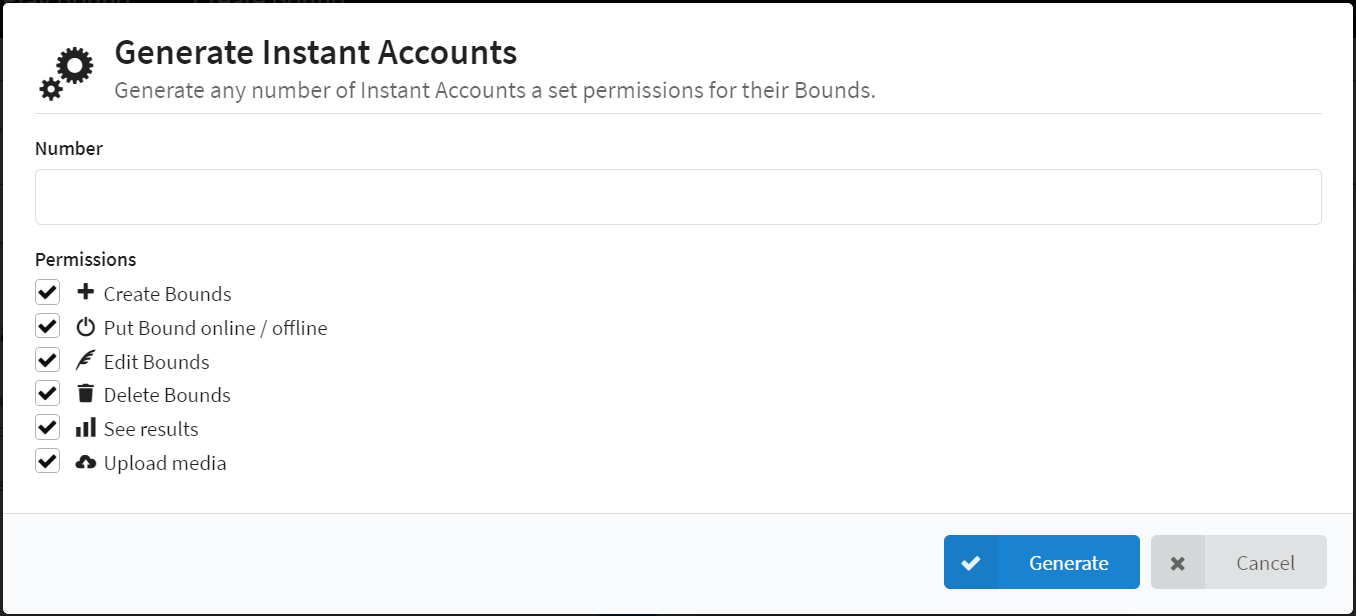
For Instant Accounts, you can set the following permissions:
Create Bounds: The Instant Account can create its own bounds. Switch bounds online/offline: The Instant Account is allowed to take assigned bounds online and offline. Edit Bounds: The Instant Account may change and edit the content and settings of an assigned bound. Delete Bounds: The Instant Account can delete assigned bounds. View Results: The Instant Account can view the results of the assigned bound. Upload Media: The Instant Account can upload media to the main account's media library.
The main account is still responsible for ensuring that the correct license information is provided for media used.
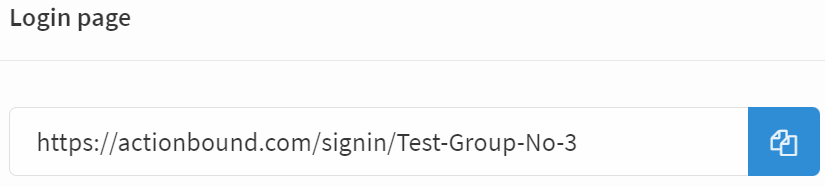
Clicking on the Instant Accounts group opens the Management. The Management contains the login URL. This can be copied to the clipboard with the copy button [ab:icon:copy]. The Instant Accounts need this account to log in. The Bounds button of the Instant Account group opens the Bound folder of these Instant Accounts.
You can edit and delete Instant Accounts later.

By clicking the Print button, a list of the login data of all Instant Accounts within this group will be created. You can now print this list, copy it or send it as a PDF via e-mail.

You can set or change the release of bounds to Instant Accounts either individually via the corresponding Bound dashboard or for all Instant Accounts within a Bound folder.
On the Bound dashboard, you can share the Bound with an Instant Account for editing. Click modify permissions, select the group, and then select the Instant Account. Click set permissions share to save the change.


All the Bounds in your Instant Accounts group are managed in folders. These folders are created when you create the Instant Accounts group.
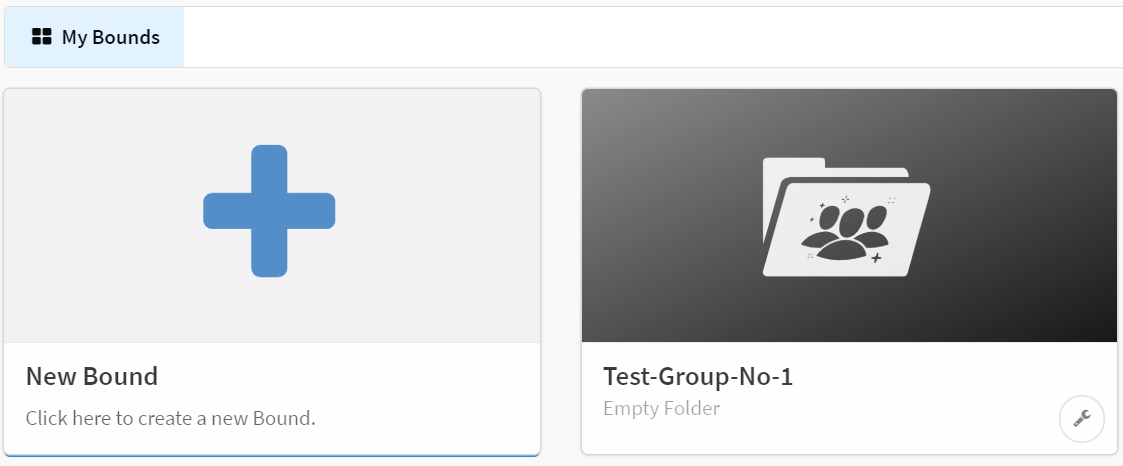
By clicking and dragging a Bound to the Bound folder of the Instant Accounts group, the Bound will automatically be duplicated according to the number of *Instant Accounts within that folder and each Instant Account will be assigned a duplicate.
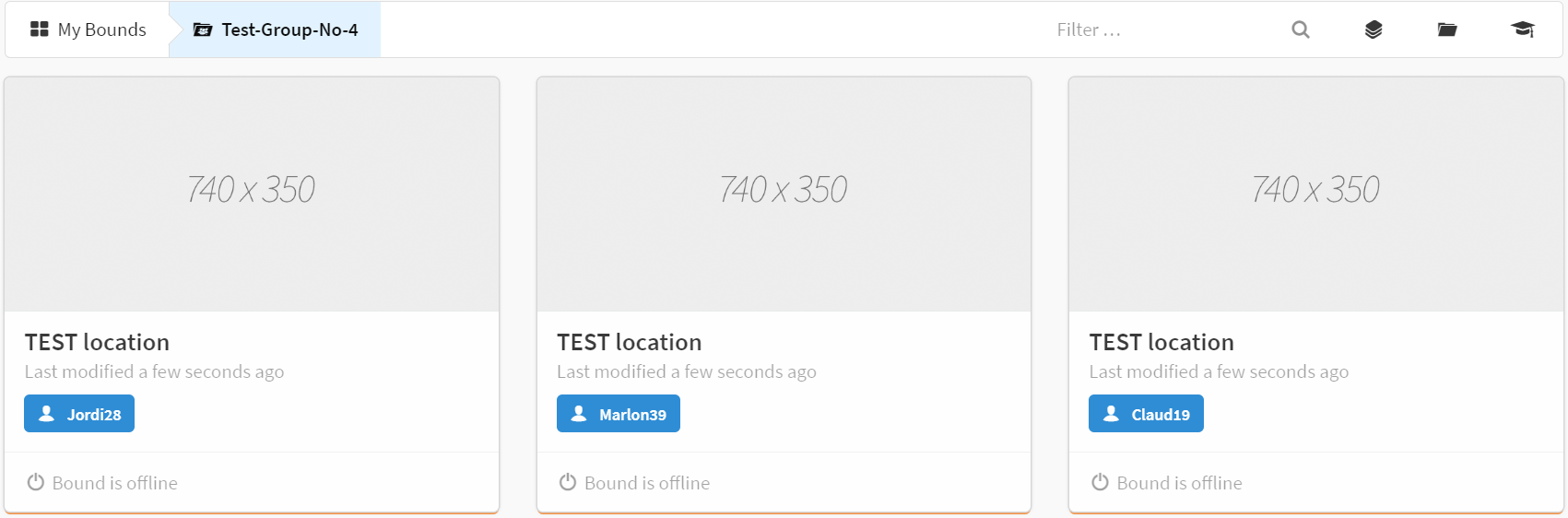
Instant Accounts are ideal for working with groups, such as school classes, youth groups, and work teams. Within the individual Instant Accounts, participants can work independently, within the limits of their permissions. Example: Schoolhouse rally of pupils Several students work at one station of the rally. They log in with their own Instant Account and create their own Bound for the station. After completing the individual station Bounds, you can use the main account to merge the individual Bounds into one large [Bound]. The fact that Instant Account users do not have to log in with their own personal data is an advantage, especially when working with minors. In addition, the participants can be sensitized to usage and copyrights within the framework of the project. As creator:in, you are responsible for the content of your Instant Account Bounds. By having full access to all Bounds of the group, you can fulfill your control function.